|
|
本帖最后由 Millionaire 于 2026-2-23 00:07 编辑
ntfy是开源的消息通知服务,你可以选择自托管ntfy服务器,以实现自定义的管理控制,然后把它用于发送和接收重要的消息通知。
一、安装ntfy
- sudo rpm -ivh https://github.com/binwiederhier/ntfy/releases/download/v2.16.0/ntfy_2.16.0_linux_amd64.rpm
- sudo systemctl enable ntfy
- sudo systemctl start ntfy
二、配置
打开server.yml文件:
- sudo vi /etc/ntfy/server.yml
- base-url: "https://ntfy.example.com"
- listen-http: "127.0.0.1:2586"
- attachment-cache-dir: "/var/cache/ntfy/attachments"
- web-root: disable
三、启动ntfy
启动ntfy服务:
如果没有使用“web-root:disable”参数关闭Web应用,可以打开http://127.0.0.1:2586访问ntfy的Web应用。
四、反向代理
添加ntfy.example.com的DNS记录,并配置Apache反向代理:- <VirtualHost *:443>
- ServerName ntfy.example.com
- ProxyPass "/" "http://127.0.0.1:2586/"
- ProxyPassReverse "/" "http://127.0.0.1:2586/"
- SSLCertificateFile /etc/letsencrypt/live/ntfy.example.com/fullchain.pem
- SSLCertificateKeyFile /etc/letsencrypt/live/ntfy.example.com/privkey.pem
- Include /etc/letsencrypt/options-ssl-apache.conf
- </VirtualHost>
五、发送消息
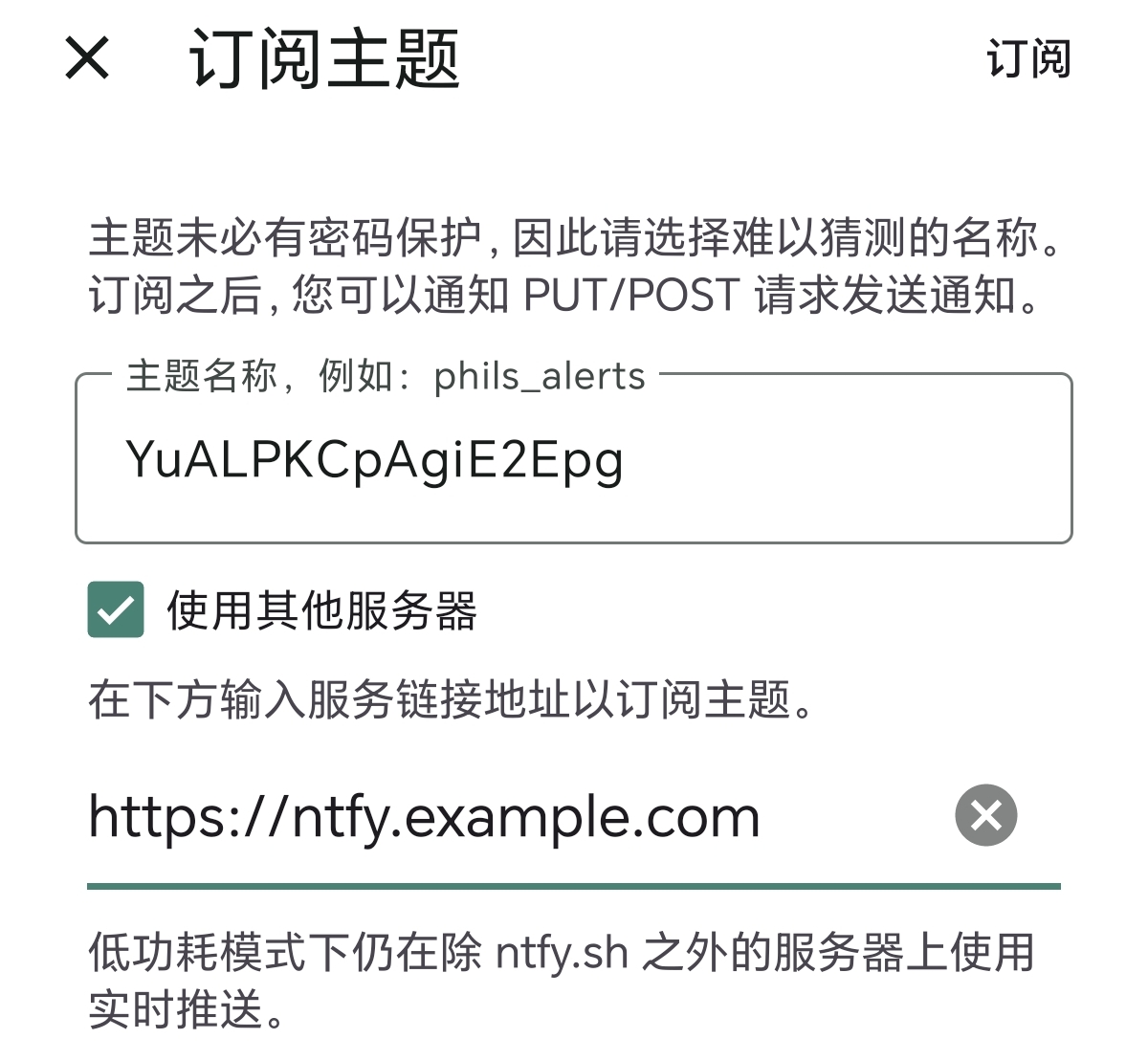
在手机接收通知需要下载并安装ntfy,然后打开应用订阅主题。
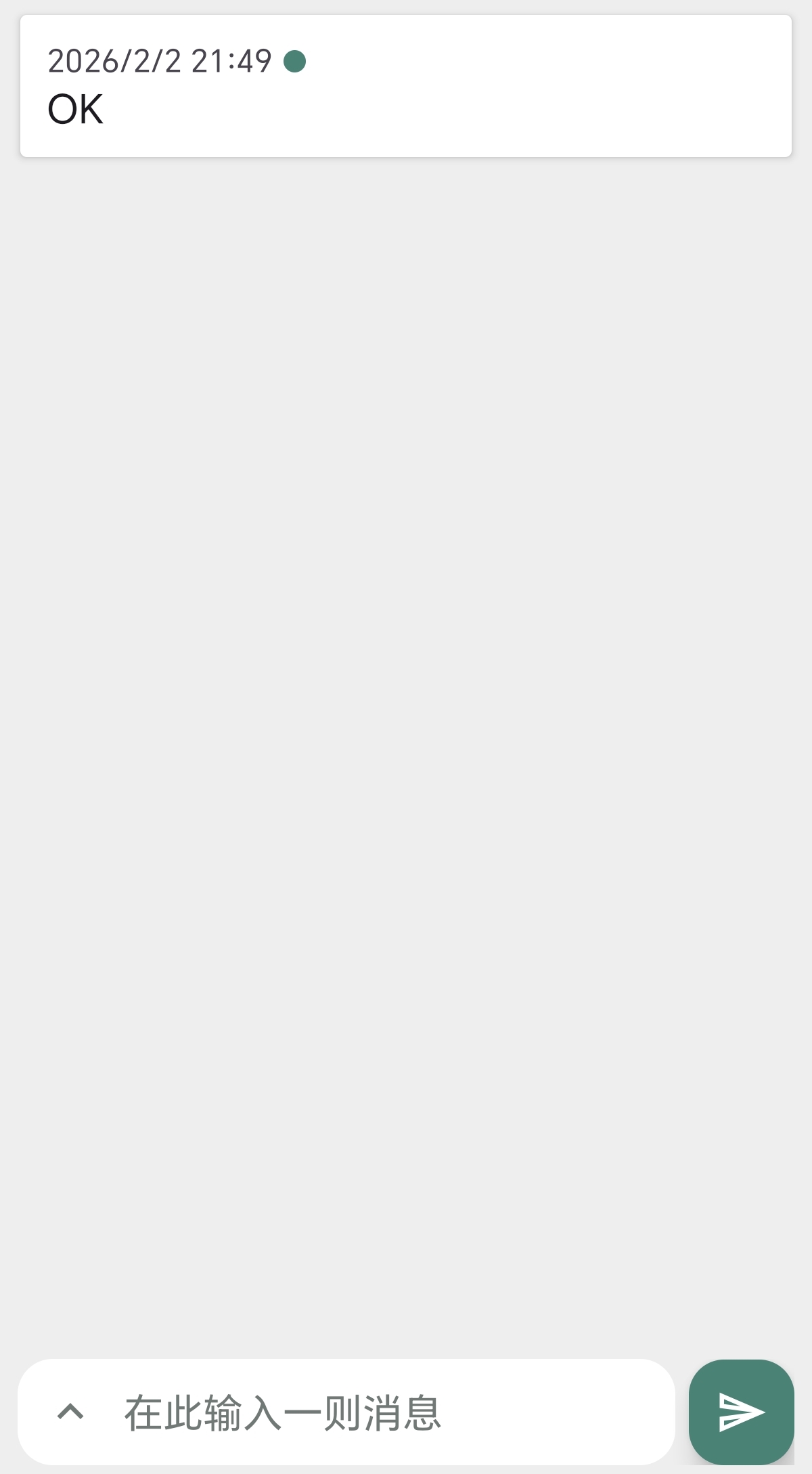
订阅后,通过命令向“ntfy.example.com/YuALPKCpAgiE2pg”主题地址发送消息:
- ntfy publish ntfy.example.com/YuALPKCpAgiE2Epg "OK"
- curl -d "Ok" ntfy.example.com/YuALPKCpAgiE2Epg
- POST /YuALPKCpAgiE2Epg HTTP/1.1
- Host: ntfy.example.com
- OK
- fetch('https://ntfy.example.com/YuALPKCpAgiE2Epg', {
- method: 'POST', // PUT也有效
- body: 'OK'
- })
- http.Post("https://ntfy.example.com/YuALPKCpAgiE2Epg", "text/plain", strings.NewReader("OK"))
- requests.post("https://ntfy.example.com/YuALPKCpAgiE2Epg", data="OK".encode(encoding='utf-8'))
- file_get_contents('https://ntfy.example.com/YuALPKCpAgiE2Epg', false, stream_context_create([
- 'http' =>
- 'method' => 'POST', // PUT 也有效
- 'header' => 'Content-Type: text/plain',
- 'content' => 'OK'
- ]
- ]));
- 忽略电池优化
- 允许自启动、允许关联启动、允许后台活动
- 关闭ntfy的“订阅服务”通知
- 设置通知铃声
六、访问控制
ntfy服务器默认对所有人开放,任何人都可以读写主题。若要限制他人访问,则需要进行认证配置:
- auth-file: "/var/lib/ntfy/user.db"
- auth-default-access: "deny-all"
- auth-users:
- - "admin:$2a$10$nYeIjwXLyvb/p4jlYKMLWOZvrUthvfPkGB8HgJo3GP1hwwwsh/tuO:admin"
- - "ntfy:$2a$10$nya0qNsGWo2Y3RCPW8GNfeVNU6ORcA5wBRUCFRwqasaxwQzjvMzx6:user"
- auth-access:
- - "ntfy:*:rw"
- auth-tokens:
- - "ntfy:tk_5hhwe5wxp9lk34e5qjkre9hn62gz7"
|
|



 发表于 2026-2-2 21:14:54